★★★★★
“A perfect alternative to classic monthly-fee telecare services. You buy it once, connect it to the home Wi-Fi, and it gives our family a much simpler way to stay connected.”


Couldn't load pickup availability


Meet the one-press SOS wristband. Within its home Wi-Fi coverage, a press can send an app alert to connected family members, without the wearer having to find a phone.
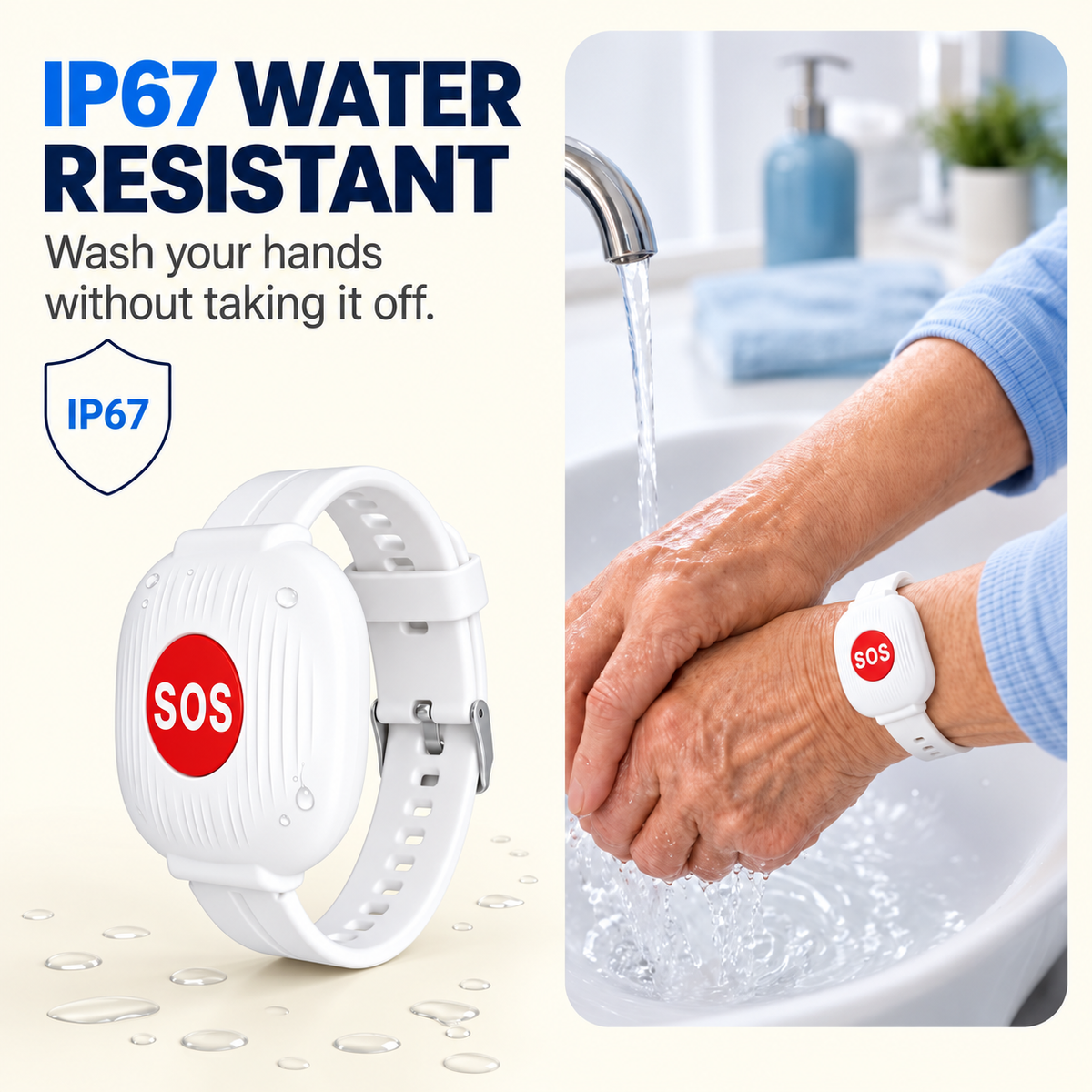
The SOS button stays on their wrist when they wear it.
A straightforward way to notify family when assistance is needed.

No tiny touchscreen or complicated on-wrist controls. Just an SOS button linked to a family member's phone app.
Keep it on during normal home activities.
The device uses the configured 2.4GHz home Wi-Fi connection.
A connected person can then call, check in, or arrange help.

Simple for the wearer. Practical for the family that helps set it up.
A clear, easy-to-identify action.
Keep it nearby without carrying a phone.
Connected loved ones can be notified.
No subscription for the listed basic alert feature.

At work, across town, or visiting someone else, the connected family phone can receive app alerts over the internet.
🏠 The wristband must remain within its configured Wi-Fi coverage.

If the companion app supports multiple recipients, connect family members and test each phone together. A clear plan helps everyone know who should check in.
USB-C charging and an advertised battery interval of approximately 3–4 months help reduce maintenance.
*Advertised battery life varies with usage and connection conditions.

Set up the connection together, allow phone notifications, and test the alert before relying on it.
Simple setup and a little more connection can mean a lot to a family.
“A perfect alternative to classic monthly-fee telecare services. You buy it once, connect it to the home Wi-Fi, and it gives our family a much simpler way to stay connected.”
“The app was easy to install and use. We tested it with my father on the first day and the notification reached my phone very quickly. The setup feels straightforward and practical.”

“I bought the bracelet for my mother, who lives alone. It makes me feel better knowing she has a simple button she can press if she needs us.”

Not for everyday use of the wrist button. A connected family member needs the companion app for setup and alerts.
The wristband relies on its configured 2.4GHz Wi-Fi network. It is not a cellular or GPS emergency device and should not be relied on outside the network's coverage.
No. A connected family member's phone can receive notifications remotely when the wristband is online and the phone has an active internet connection.
No. The wearer must press SOS. It does not automatically detect falls or directly contact emergency dispatch.
The listed basic app alert feature is offered without a monthly subscription. Home Wi-Fi and phone internet connections are still required.
The advertised duration is approximately 3–4 months. Actual duration depends on usage and connection conditions. Recharge using USB-C as needed.
The exact number of recipients and sharing steps depend on the companion app. Confirm support before relying on multiple recipients.
Without the required connection, SOS app notifications may not arrive. Keep other emergency communication methods available.
Support everyday independence at home with a one-press SOS wristband that can notify connected family members when help is needed.
SHOP THE SOS WRISTBAND ↑