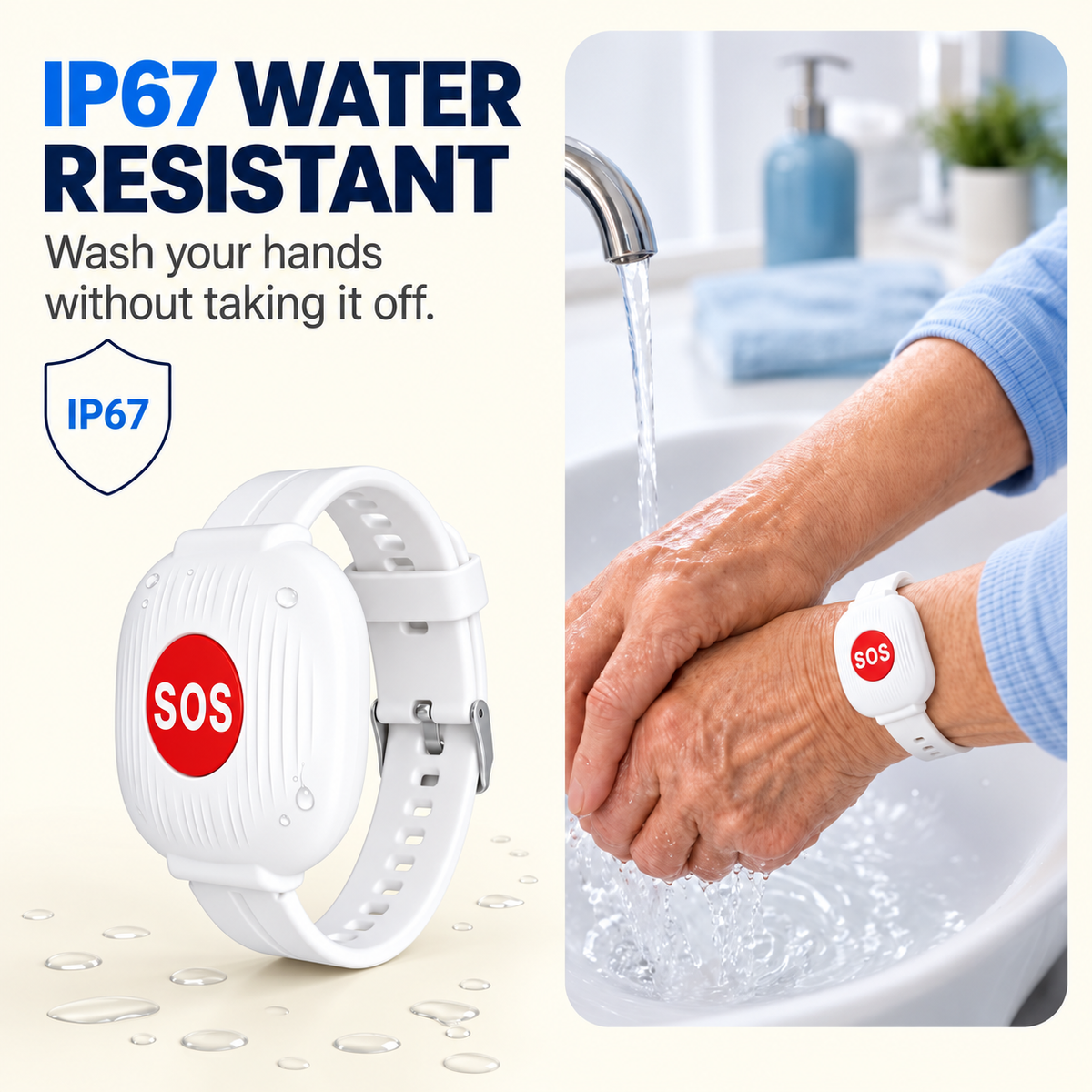
❤️Emergency Bracelet with SOS Button for Seniors
❤️Emergency Bracelet with SOS Button for Seniors


Couldn't load pickup availability

❤️Emergency Bracelet with SOS Button for Seniors
Give Them Independence.
Give Yourself Peace of Mind.
When a parent or grandparent lives alone, you cannot be there every minute. This simple SOS wrist button gives them one easy way to call for help — while alerts go straight to your phone.

You Cannot Watch Over Them All Day — and They Should Not Have to Give Up Their Freedom.
Most older adults want to stay in their own home and keep their normal routine. Their family wants the same thing — just with a faster way to know when something is wrong.

One Button for Them. One Alert for You.
The wrist button connects to the home’s 2.4GHz Wi-Fi network. If help is needed, the wearer presses the SOS button and the connected app sends an alert to the family member’s phone.

No screen to read, no menu to navigate and no smartphone required for the older adult.
If they fall, feel unwell or simply need help, one press starts the alert.
Receive the notification while at work, outside the home or traveling, as long as your phone has internet access.
Call them, contact a nearby relative, neighbor or caregiver, or arrange appropriate emergency help.
Simple Enough to Use When Stress Is High.
Emergency devices only help when the person wearing them can actually use them. This format removes extra steps and keeps the action easy to remember.

Stay Connected Even When You Are Not at Home.
Receive SOS notifications while at work, on the road or across town, as long as your phone has internet access.

Built for Families Balancing Safety and Independence.
Your Whole Family Can Get the Alert.
More than one family member can stay connected, making it easier to share responsibility instead of relying on a single caregiver.

Set It Up Once. Keep the Daily Routine Easy.
- Connect it to the home’s 2.4GHz Wi-Fi. Complete the initial pairing using the companion mobile app.
- Make sure family alerts are enabled. Test the system together so everyone knows what to expect.
- Wear the wrist button during normal daily activity. Keep it accessible instead of relying on a phone being nearby.
- Recharge every few months. Use the USB-C connection when the battery needs charging.
Charge Less. Keep It Ready Longer.

Only the Specs That Matter.
The Difference Is Feeling Less Helpless From a Distance.
“A perfect alternative to classic monthly-fee telecare services. You buy it once, connect it to the home Wi-Fi, and it gives our family a much simpler way to stay connected.”

“The app was easy to install and use. We tested it with my father on the first day and the notification reached my phone very quickly. The setup feels straightforward and practical.”

“I bought the bracelet for my mother, who lives alone. It makes me feel better knowing she has a simple button she can press if she needs us.”

What You Should Know Before Buying.
Does my parent need a smartphone?
No. The wearer only needs the wrist button. The family member receiving alerts uses the mobile app on their phone.
Does the wearer need to know how to use technology?
No. There is no screen or menu to navigate. The core action is simply pressing the SOS button when help is needed.
Do I need to be on the same Wi-Fi to receive an alert?
No. The wrist button uses the wearer’s home 2.4GHz Wi-Fi connection. You can receive the app notification away from the home as long as your phone has internet access.
Is there a monthly subscription?
No. The product is designed to work without a monthly subscription or long-term service contract.
How often does it need charging?
The listed battery interval is approximately every 3–4 months, depending on use and connection conditions.
How is it charged?
It uses a USB Type-C connection.
Does it automatically detect falls?
No. This version uses a manual SOS button. The wearer presses the button when help is needed.
Is it a replacement for emergency services?
No. It is a family alert device designed to help someone quickly signal that they need assistance. In a serious or life-threatening emergency, contact the appropriate local emergency service.
A Small Button That Makes “What If?” Feel More Manageable.
One Press Can Be the Difference Between Waiting and Being Heard.
Give someone you care about a simple way to reach the family when they need help — without screens, complicated menus or another monthly bill.
🛡️ SHOP NOW ↑🔒 Secure Checkout
Encrypted payment processing and a simple checkout experience.